Make printable barcode labels from Excel or CSV
You only need one column with barcode values. Upload Excel or CSV, check the preview, and download a print-ready A4 PDF.
Start with your situation
Choose what you need to make
You do not need barcode jargon. Start from the data you have and the result you want.
Create free barcode label PDFs from Excel or CSV
.xlsx, .xls, .csv · up to 10 MB · no server upload · no signup
How would you like to start?
Label preview
Done in 3 steps
1. Upload file
Drag or click to select an Excel (.xlsx, .xls) or CSV file.
2. Map columns
Assign barcode, product name, price, and SKU to the right columns.
3. Download PDF
Click 'Generate PDF' — your A4 label sheet downloads instantly.
From one spreadsheet to shelf labels
Upload an Excel or CSV file with a barcode column. It becomes an A4 label PDF; after printing, scan a few labels before using the full batch.
Start with my file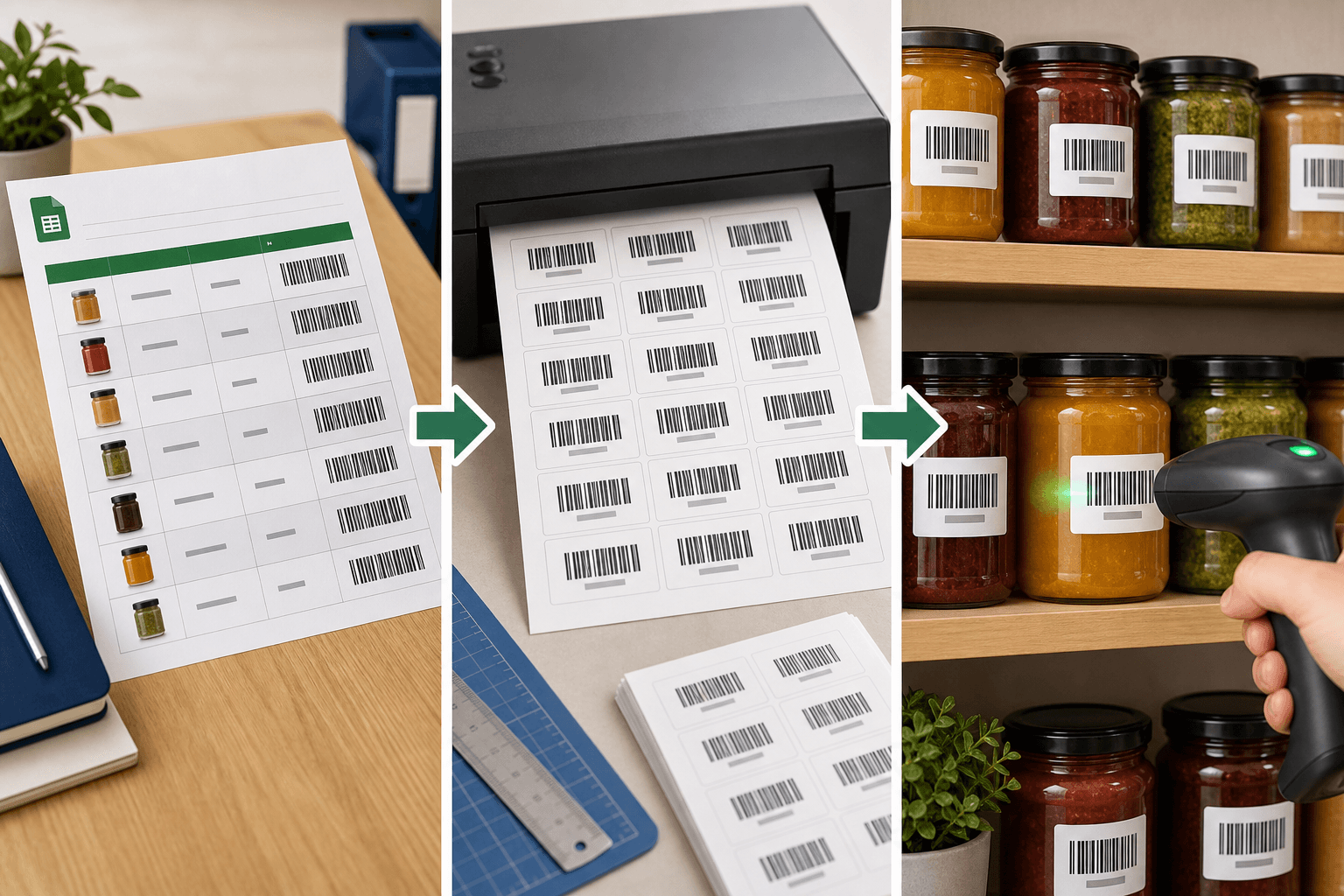
Only one barcode column is required
Product name, price, and SKU are optional. If you are unsure, start with the sample file.
barcodeRequired. The number or SKU your scanner should read.
product_nameOptional. Product name shown on the label.
The essentials for stores and small teams
Skip heavy label software. Upload, check, and download a print-ready PDF.
Excel, XLS, CSV
All three formats supported. No conversion needed.
Free column mapping
Assign barcode, name, price, and SKU to any column.
Code128 barcode
Universal Code128 standard with high scanner compatibility.
Fully local
File is processed in the browser only — no server upload.